4. Method Job Configuration (Optional)
The document approval flow offers the following standard method job, this step is only required if you want reminder mails.
Setting up Reminder Mails
To remind users they still have to review documents, reminder mail can be send to users using this method job. A schedule can be configured to send those mails on specific intervals.
- Open the Method Jobs tab of the Business Connector.
- Click on the method job Ometa - Send Document Approval Task Reminders.
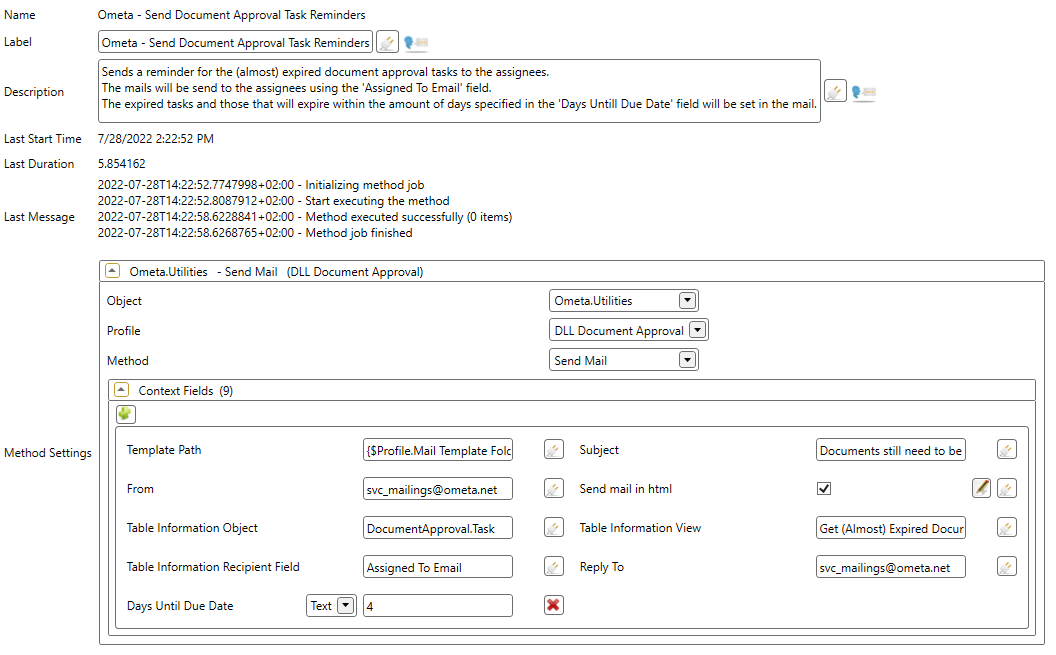
- The following fields can be configured on the method job:
- Subject: The subject of the reminder mails.
- From: The user to send the email from, this can be left empty if this is set in the profile.
- Reply To: The reply-to to set for the emails, this can be left empty if this is set in the profile.
- Days Until Due Date: The days until the due date to begin sending the reminder mails. Expired tasks will always be included. The schedule of this method job is the interval of the mails.
- Next we're going to setup a schedule for this method job, the schedule is the interval of the reminder mails. Click on the Create Schedule button in the ribbon.
- Fill in a name for the schedule and click on OK.
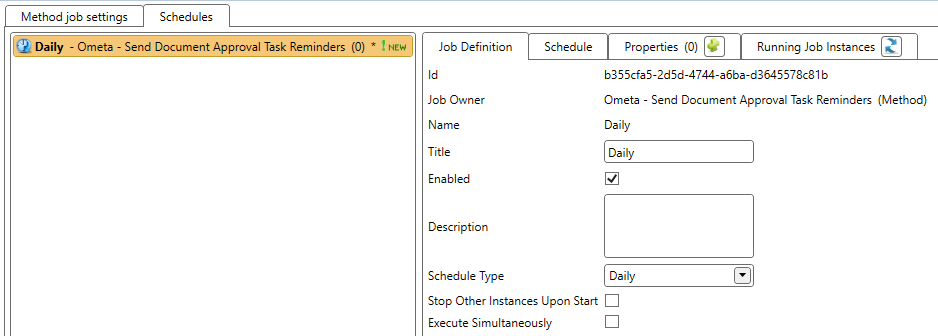
- Enable the schedule and select your preferred schedule type. For example a Daily schedule type will send reminder mails each (x) day(s), specified in the Schedule tab.