Scripts
With the scripts component, we can create advanced scripts that do somehting on a certain event or return a value.
We have 3 types of scripts currently:
- Configuration Script
- Events
- Formatters
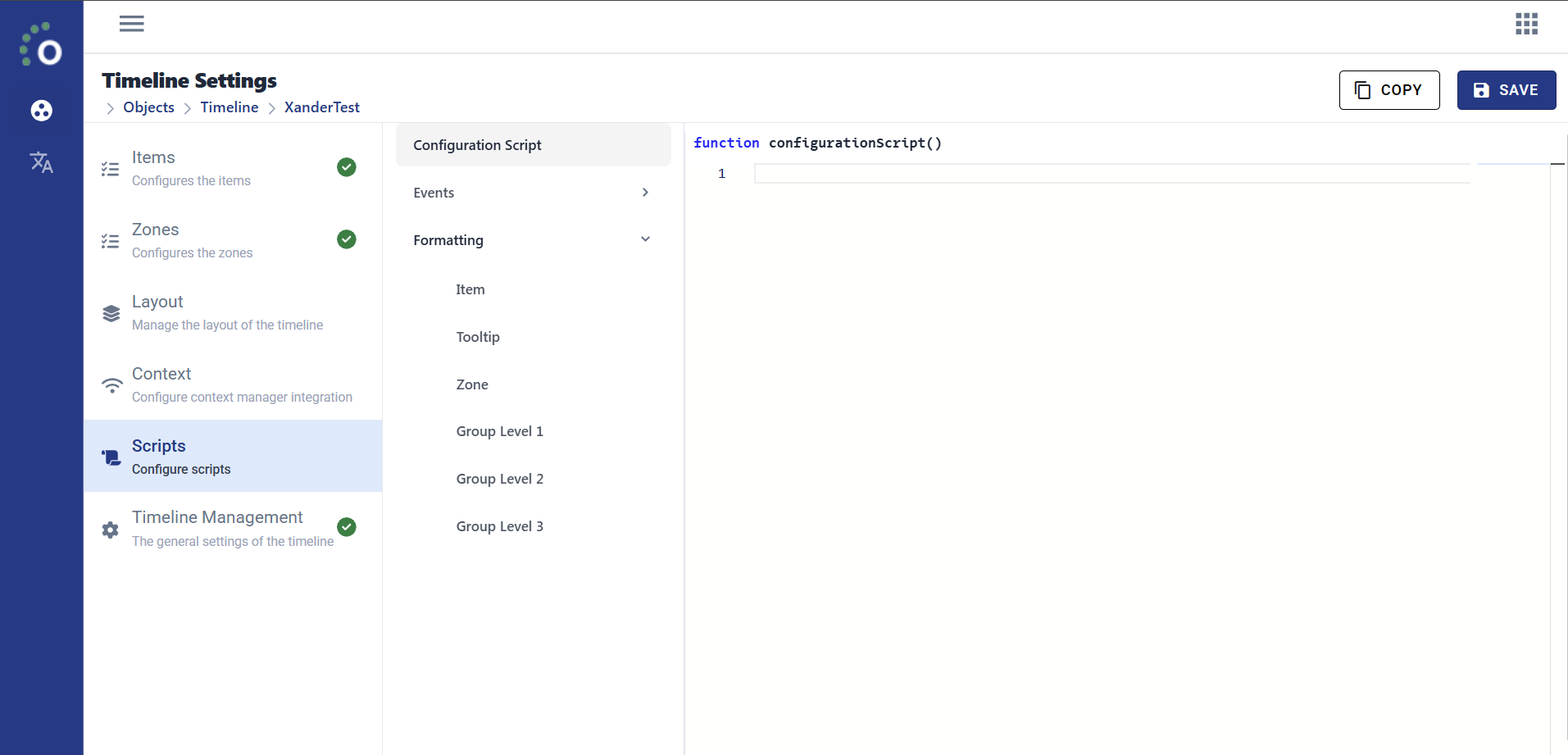
Configuration Script
This script runs right after Timeline configuration. Used to apply extra configuration logic.
Events
There are 2 events in Timeline:
- OnLoadComplete
- No parameters
- OnClick
- Parameter item.
Formatters
There are 6 events in Timeline:
- Item
- Parameter item.
- Tooltip
- Parameter item.
- Zone
- Parameter zone.
- Grouping Level One
- Parameter item.
- Grouping Level Two
- Parameter item.
- Grouping Level Three
- Parameter item.
When a formatter is not configured for scripting, you might come across this:
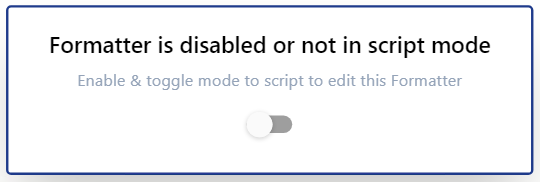
Toggling this will automatically enable and switch the formatter to scripting mode.
Warning
Make sure the scripts contain valid Javascript. Even after enabling / switching a formatter to script mode.
Scripting
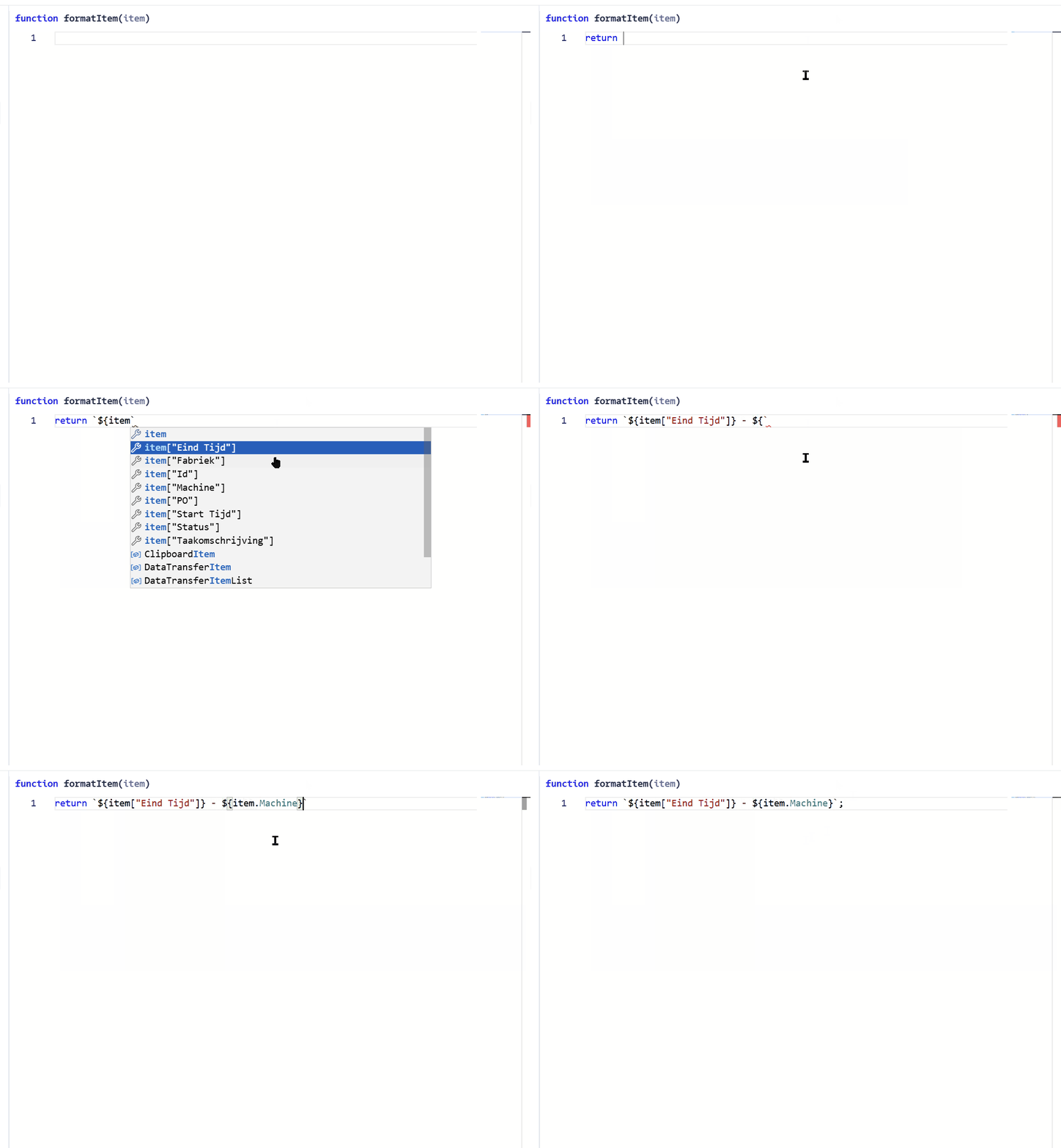
Each script should contain valid Javascript. To make it easier, we will use intellisense to access values we have access to.
Parameters
Any script might have some parameters. For the Timeline, only OnClick event and formatters contain parameters.
At the top of the code editor, we can see the name of the function with available parameters. For example: function formatItem(item)
Between the round brackets, we can see any available parameters.
By typing this parameter into the code editor, we can see any available fields and use them with correct Javascript syntax.